How It Works
Turn photos into printable coloring pages, right in your browser. Four line-detection styles, instant preview, zero cloud upload.
brush Four Styles
lock 100% Private
cloud_off No Upload Required
1
Select Any Image
Browse any website normally. Click on any image to open InkLine and start converting it to line art instantly.
2
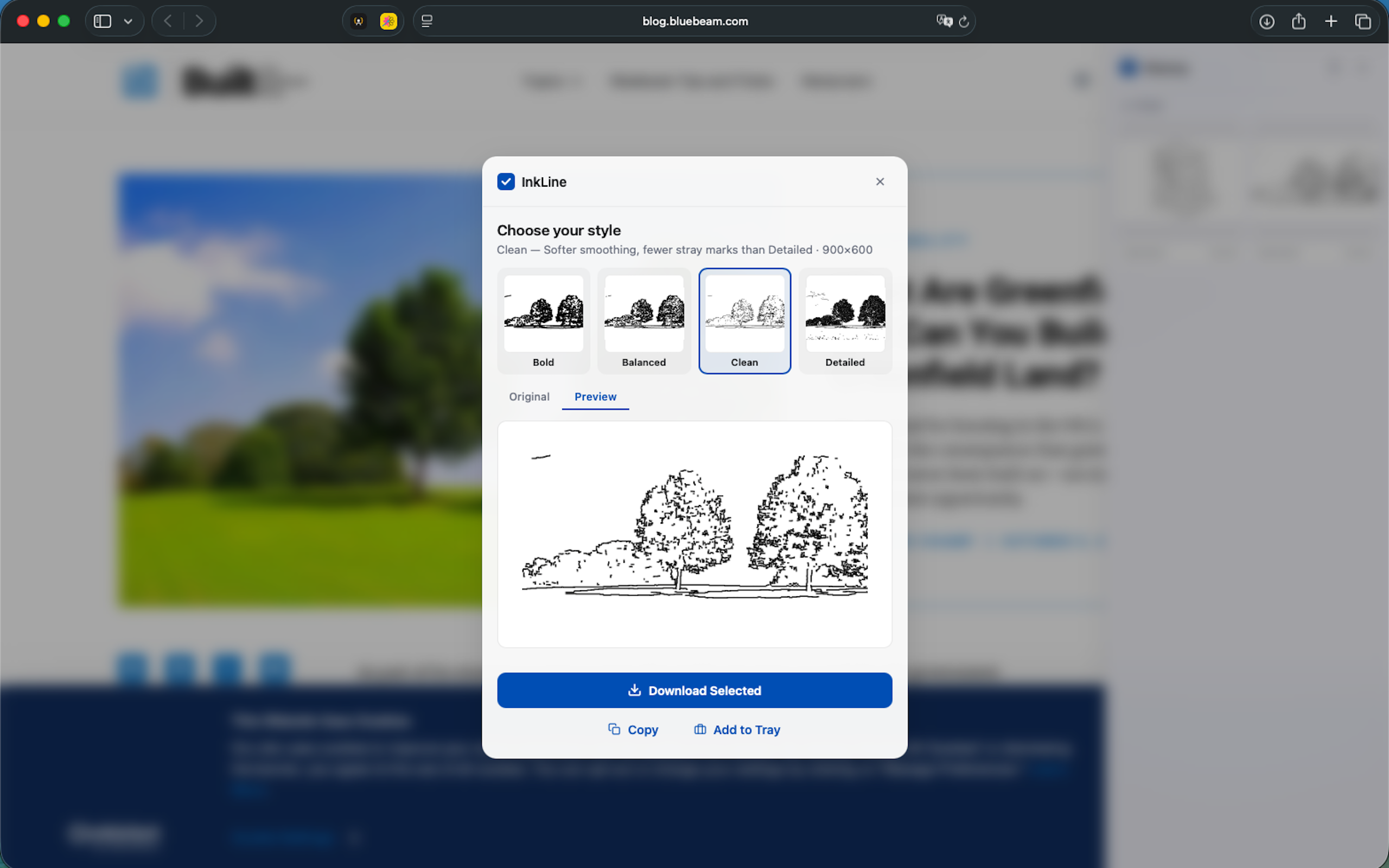
Choose Your Style
Pick from Bold, Balanced, Clean, or Detailed line detection. Preview the result side-by-side with the original before you export.
3
Download, Copy, or Print
Export your line art at full resolution. Download, copy to clipboard, or add to your tray — perfect for coloring books, kids' activities, or creative projects.